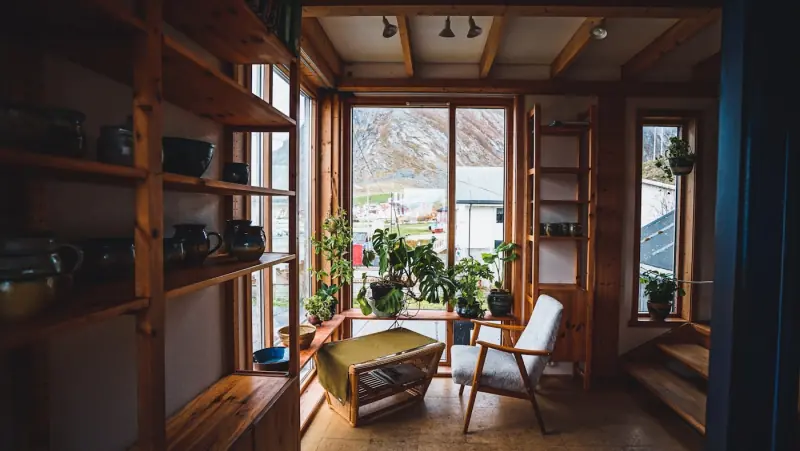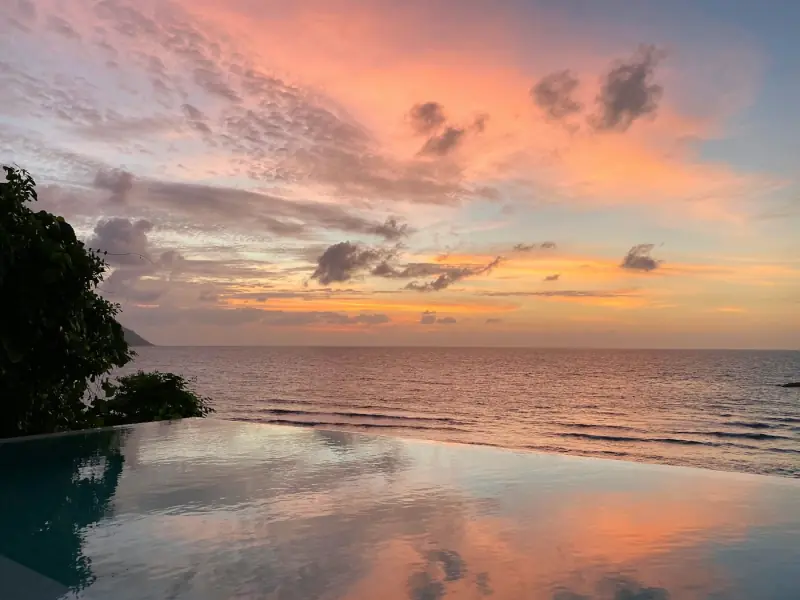
Pick what you’re calling in.
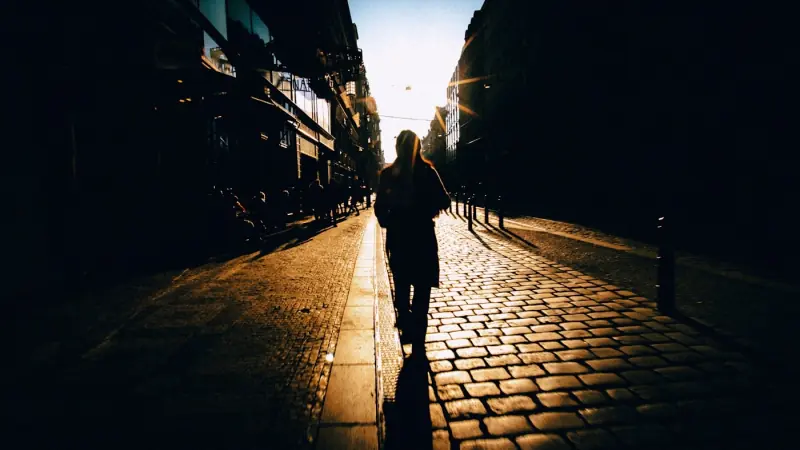
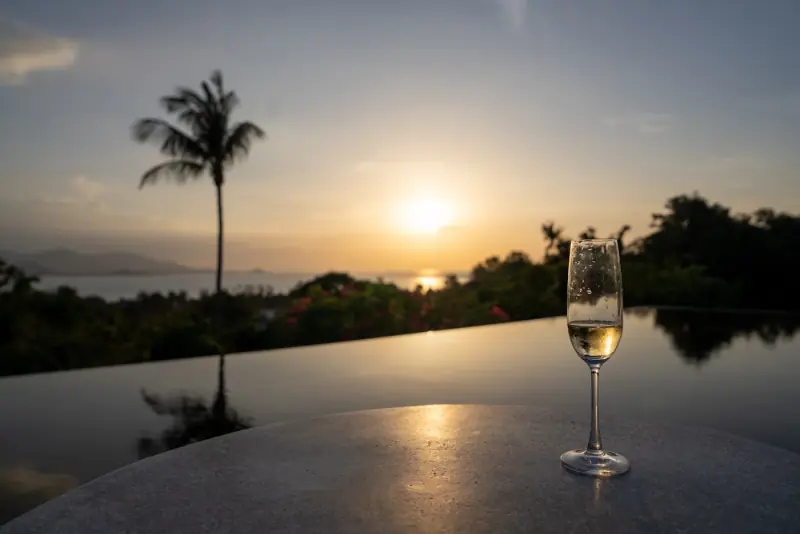
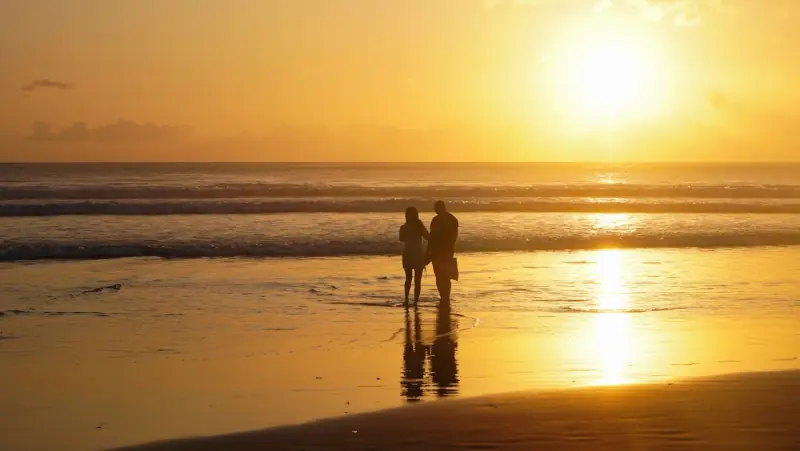
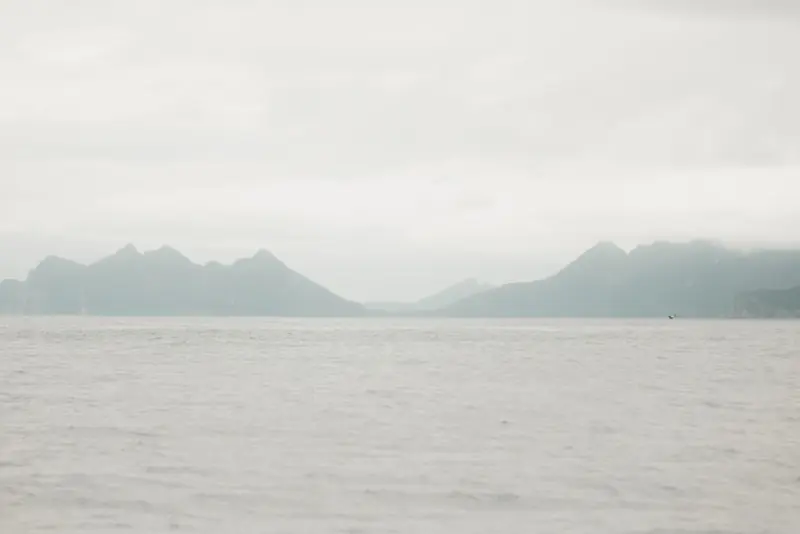
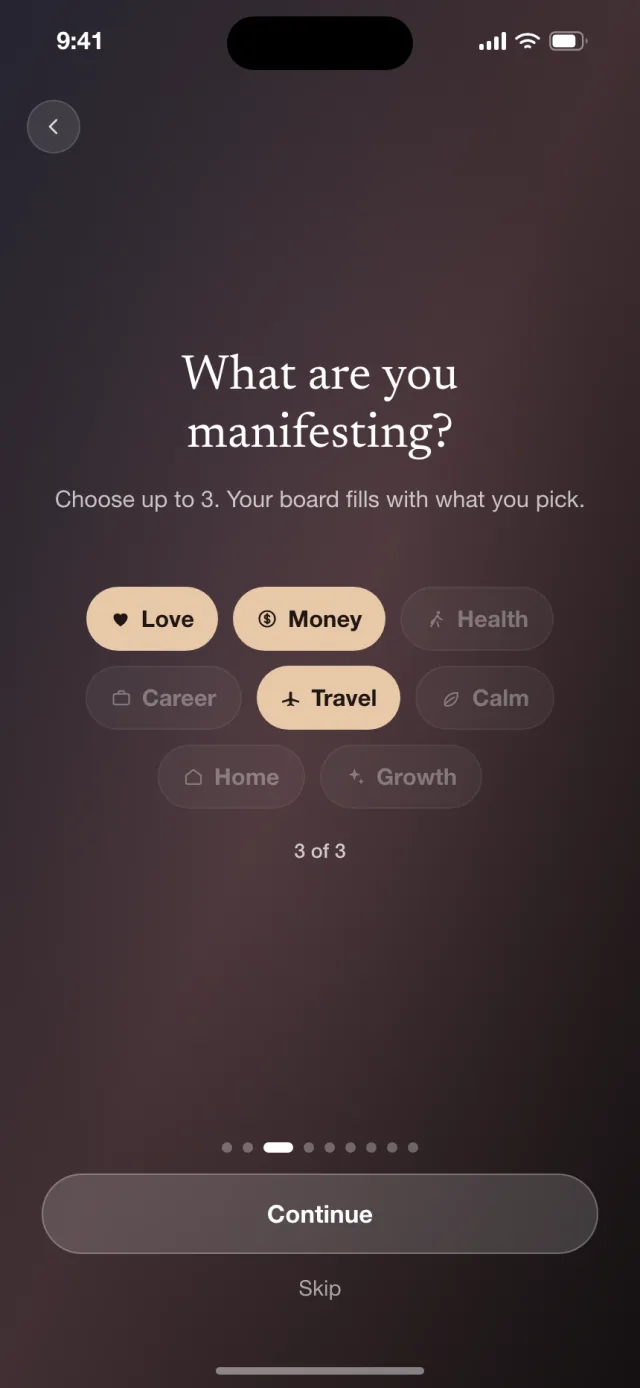
Love, travel, calm, home — choose the parts of life you want in front of you, and your board fills with them.
 Mira
Get the app
Mira
Get the app

You unlock your phone 80 times a day, according to Apple in 2016.
Write it once. See it all day.
Pick a photo. Add the words you want to live by. Mira keeps them on your Home Screen and Lock Screen.
Free to start

 9:41
9:41
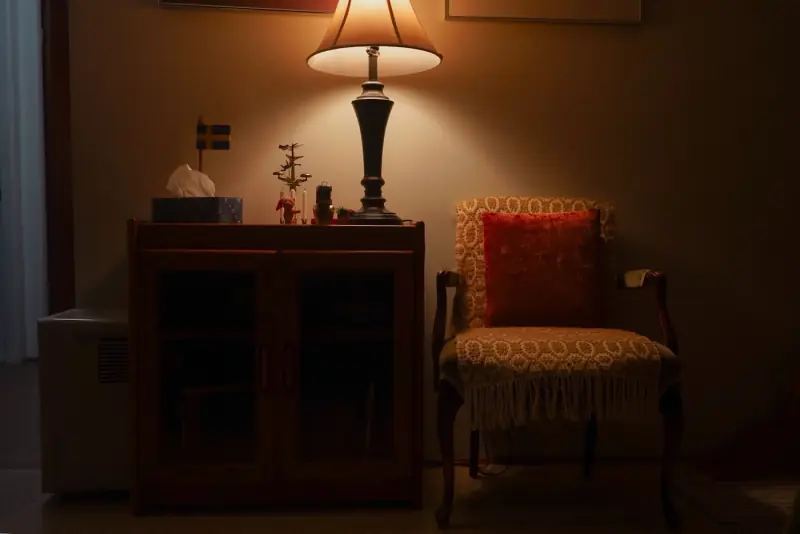
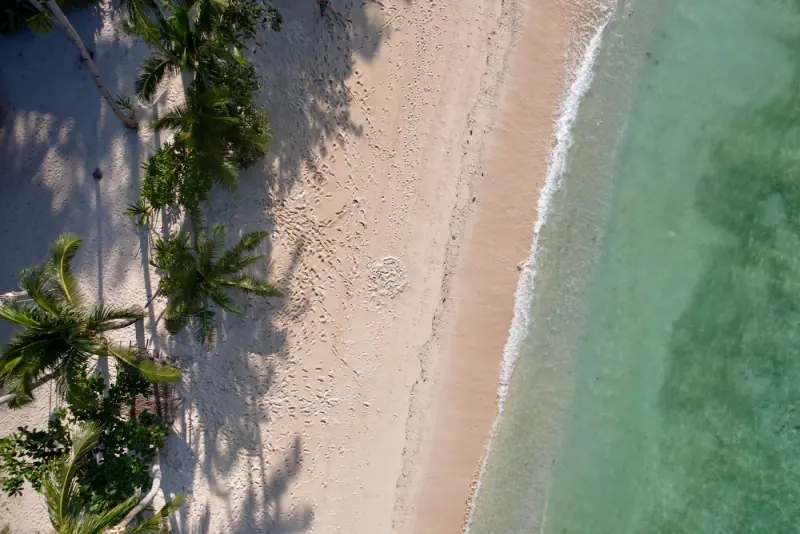
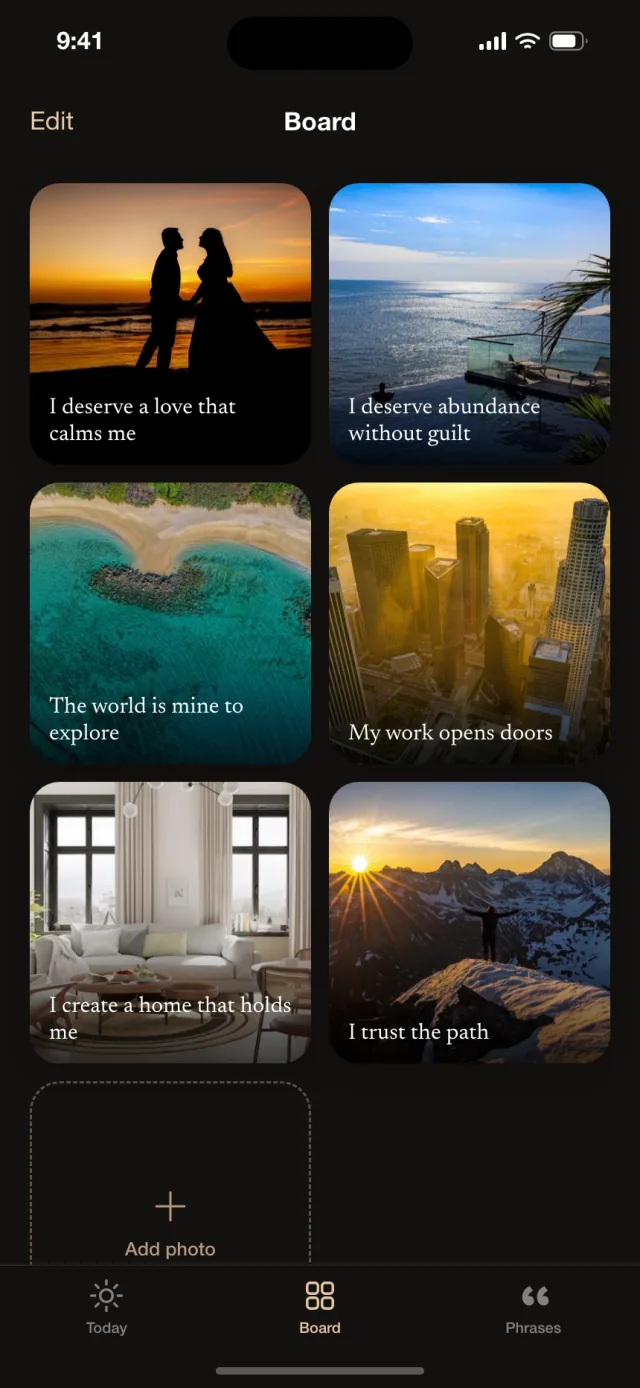
Love, travel, calm, home — choose the parts of life you want in front of you, and your board fills with them.
Start with ours and swap in your own whenever you like, each with a few words that belong to it.
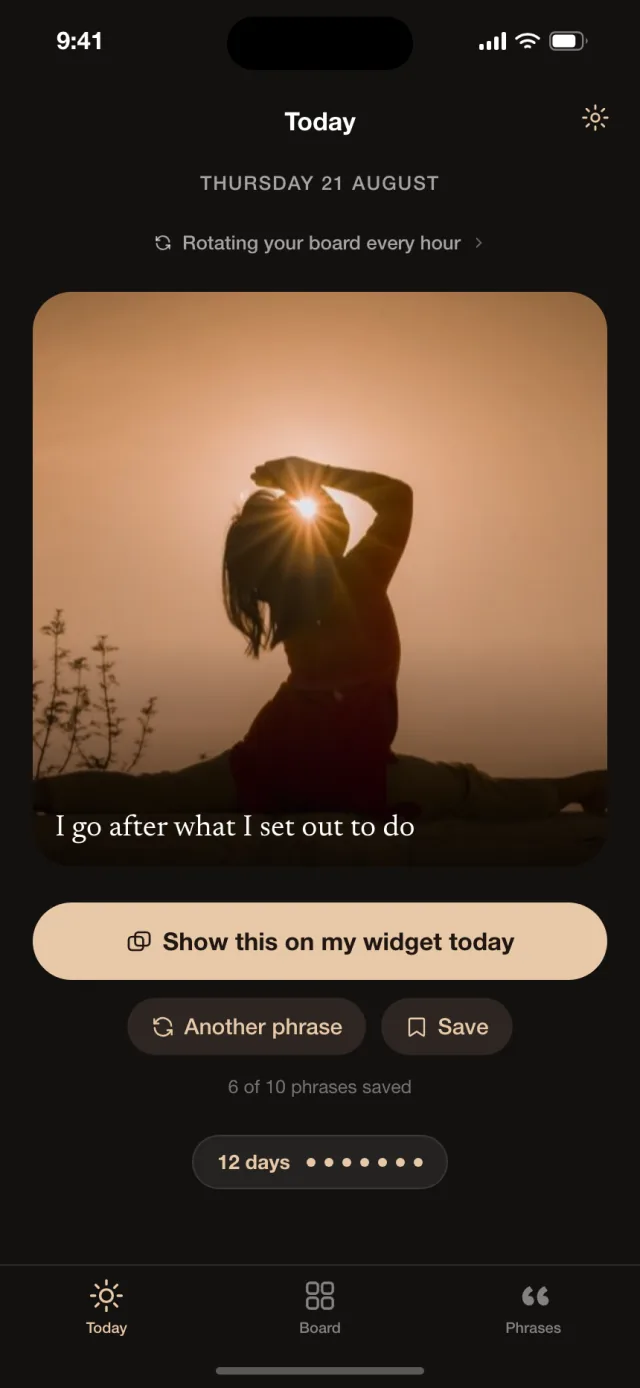
On your Home Screen and your Lock Screen, every hour or every few. You don’t open anything. It’s just there when you pick up your phone.
Open Mira to see what’s on your widget and what comes next. Keep one up until midnight, or give it new words.
Eight themes. Same board, different mood. Two come free.
The world is mine to explore
The world is mine to explore
The world is mine to explore
The world is mine to explore
The world is mine to explore
The world is mine to explore
The world is mine to explore
The world is mine to explore
Every line in Mira was written for it, one area of life at a time. Here are a few.
Read them by area: Love · Travel · Calm and peace · Dream home · Career and work · Money · Health · Personal growth
Mira has no sign-up and no server. Your photos and words are stored on your phone and shown by your widget. Nothing is uploaded, and there’s nothing in the app that tracks you.
Weekly, yearly, or once for life. Prices are shown in the app before you pay.
No. There’s no sign-up and no login. Open Mira and your board is already there, with starter photos you can swap for your own.
Yes. On the Lock Screen, Mira can show a photo with its phrase, the photo on its own, or a single line of text. On the Home Screen it comes in small, medium and large.
You choose: every 1, 2, 4 or 8 hours on the free plan, or every 30 minutes with Premium. iOS decides the exact moment a widget refreshes, so a change can land a few minutes late. You can also pin one photo and phrase until midnight.
Yes. Add any photo from your library and write a few words to go with it, or take a suggested phrase from the 200 in the app.
On your iPhone, and nowhere else. Mira has no server and doesn’t upload anything, which also means deleting the app deletes your board.
Yes, with limits: 6 photos, 10 saved phrases and 2 of the 8 widget themes. Premium removes the limits and adds rotation every 30 minutes.